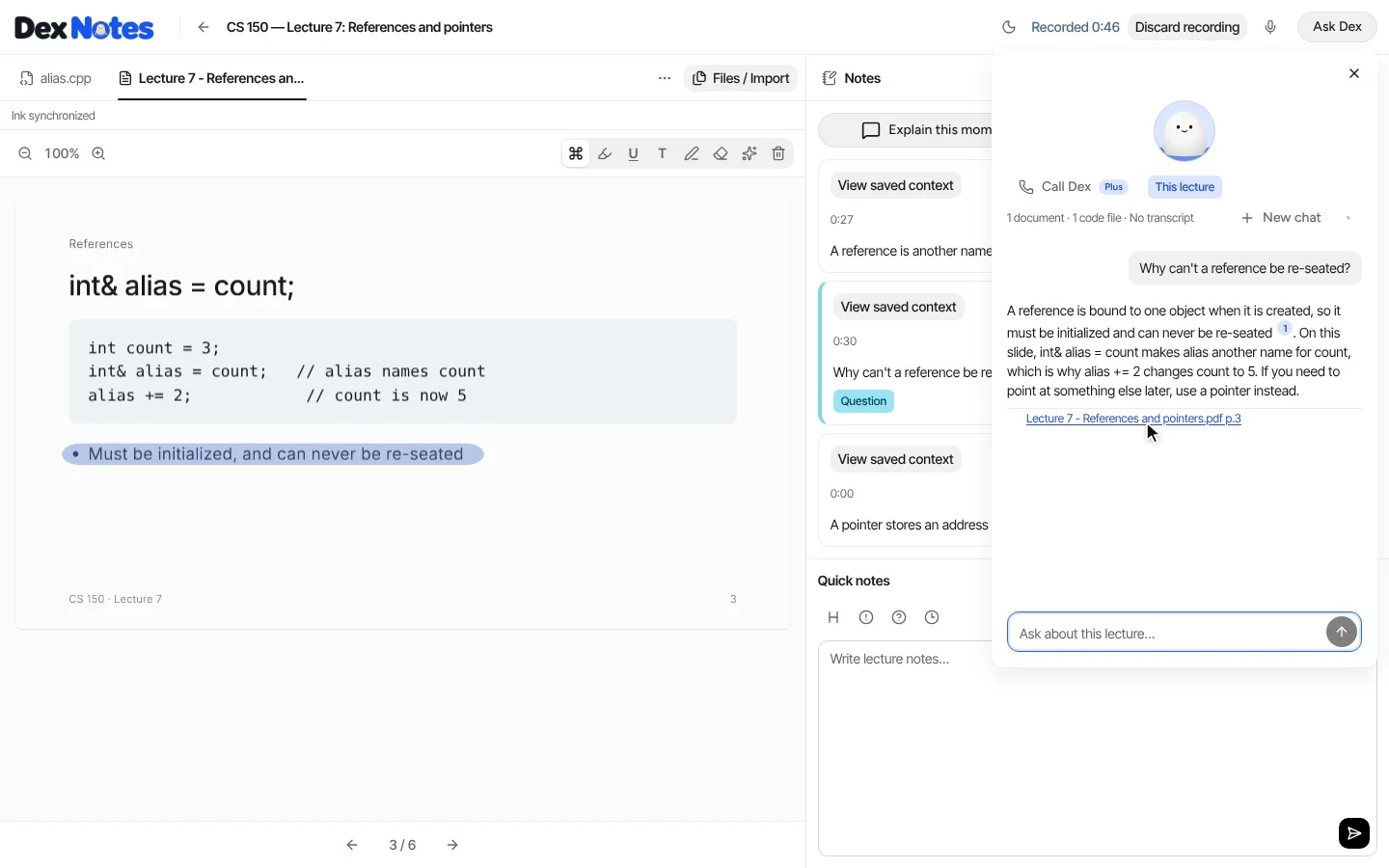
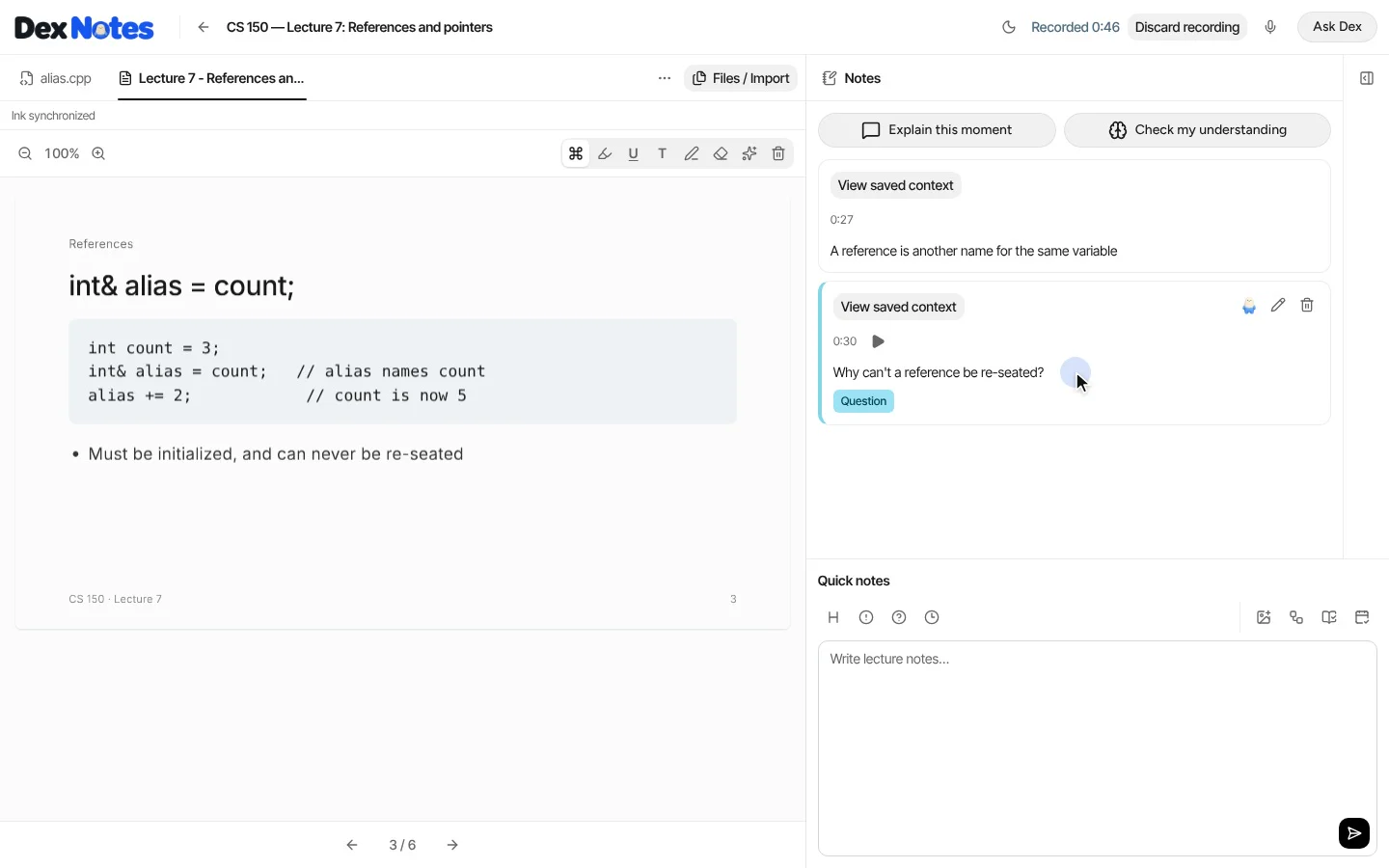
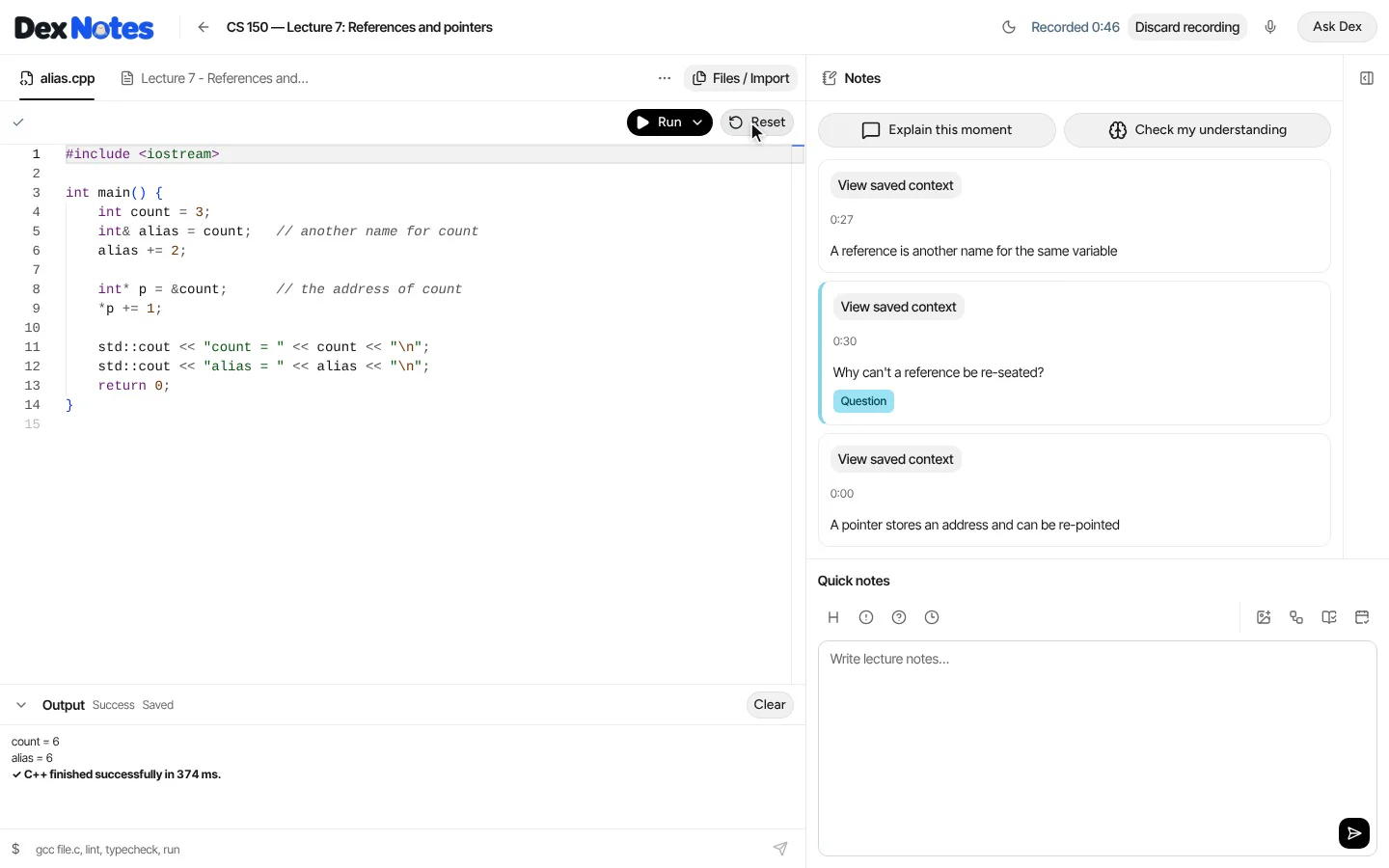
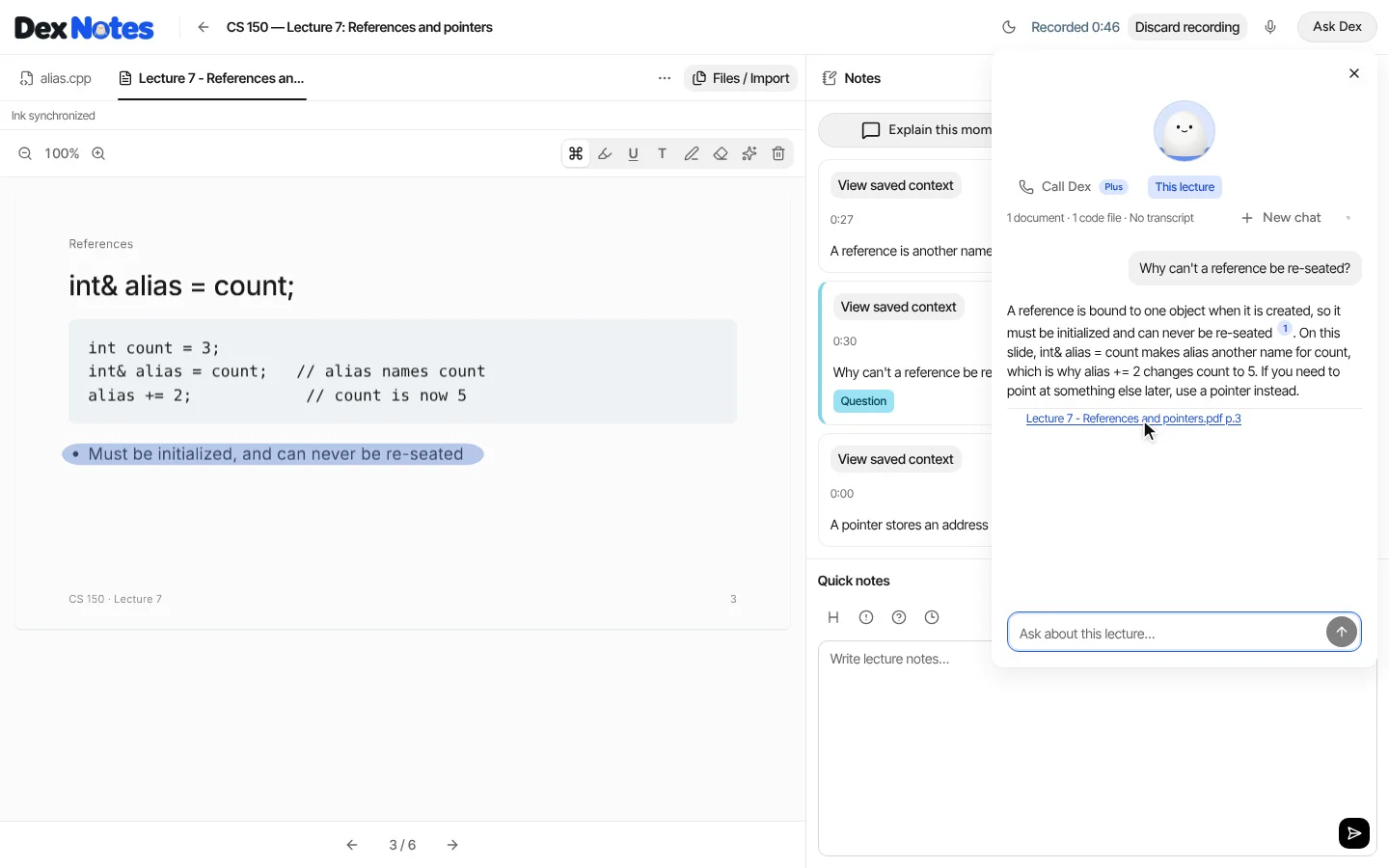
Find your way around a course
Explore all six sections and find a lecture.
Start tour: Find your way around a courseRelated articleChoose a topic below to get step-by-step guidance.
Create your account, set up courses, and get oriented.
Record, transcribe, and use live captions.
Manage courses, assignments, and study materials.
Troubleshoot common issues and get back on track.
Five optional tours, about 2–3 minutes each. Use resettable practice content without changing your account. Recording and imports are simulated.
Explore all six sections and find a lecture.
Start tour: Find your way around a courseRelated articleUse the full assignment form, List, Board, and Move to.
Start tour: Create and organize assignmentsRelated articleChoose a source, pause, resume, end, and review a simulation.
Start tour: Practise recording controlsRelated articleTry example documents, source files, Upload, and New folder.
Start tour: Import and organize filesRelated articleCreate a file, run examples, inspect errors, and save a practice marker.
Start tour: Run Python and mark outputRelated articleStill need help? Contact support