
A notebook for every class, with Dex beside you
Every lecture.Every note.One place.
Dex Notes is a typing-first study app for every class. Record the lecture, keep your notes beside the slides, and ask Dex, a tutor that shows where every answer comes from.

What it does
Four things a docand a chat windowcan't do together.
- 01 · Synced lecture recording
Jump back to the exact moment.
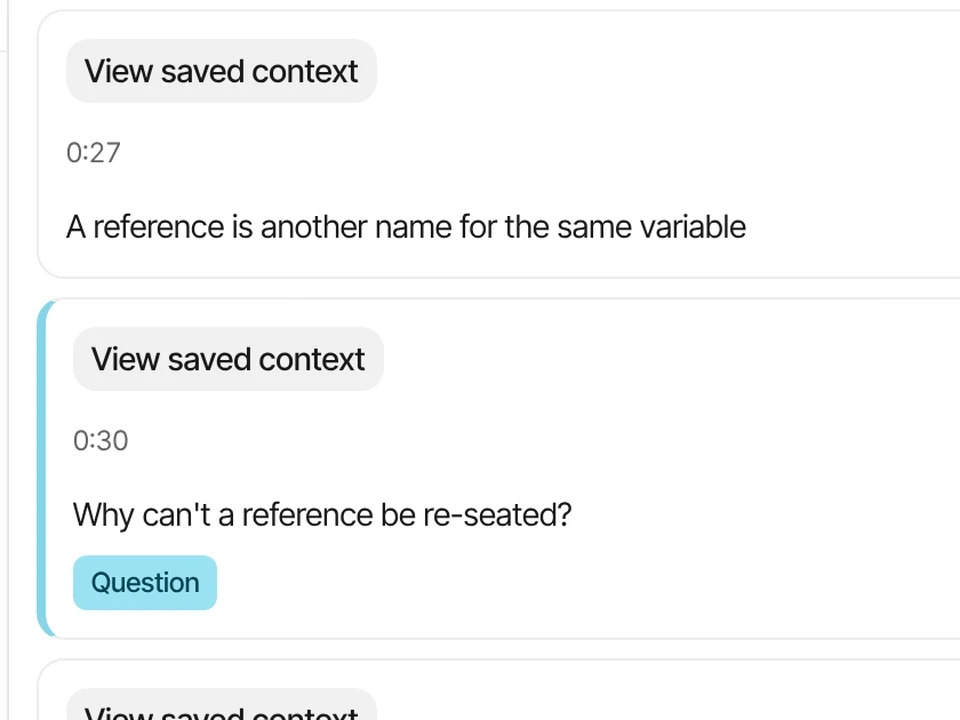
Mark a confusing moment while you type. Later, replay the lecture from that second with your notes and the slide right beside it.
- 02 · Notes beside your slides
Everything from class, side by side.
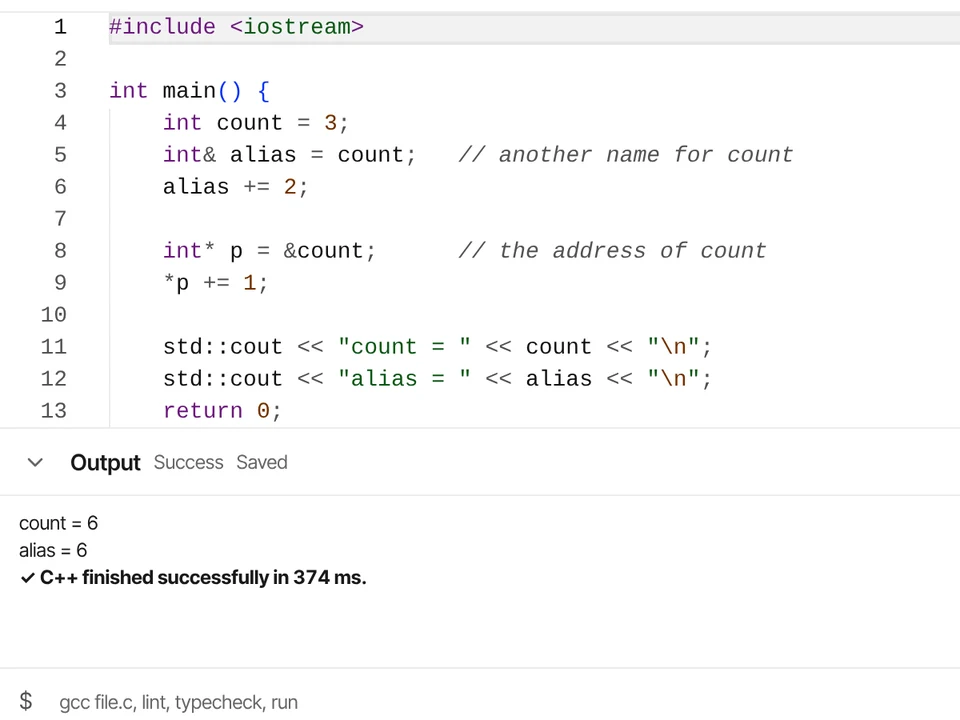
Every lecture keeps its notes, slides and files together. Taking a coding class? Run code right in the lecture, and it is saved with your notes.
- 03 · Ask Dex
Answers you can check.
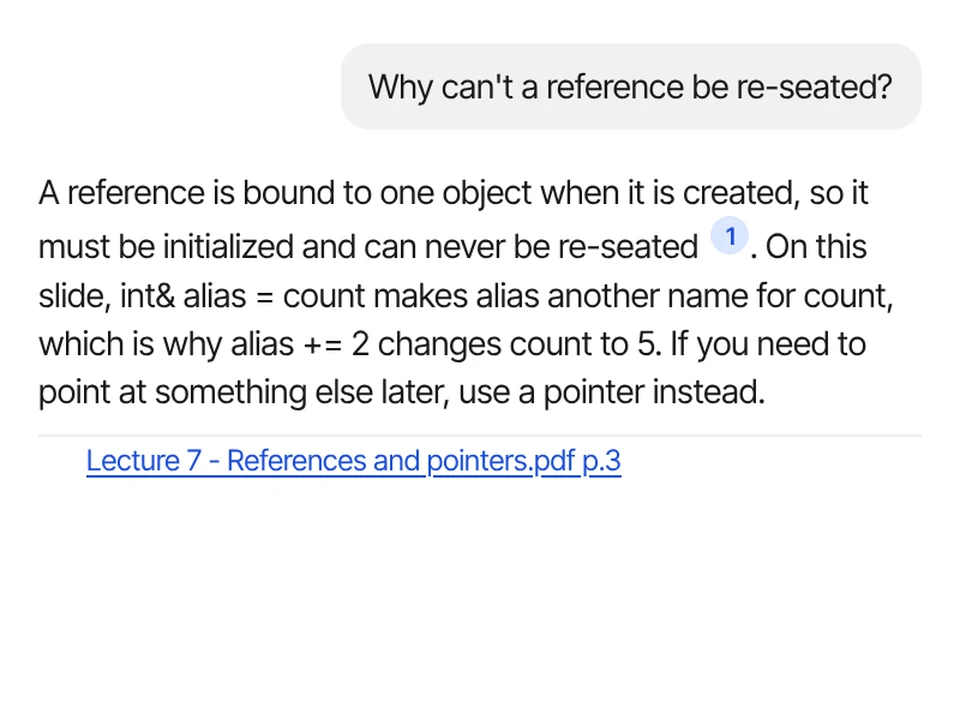
Ask Dex about your lecture. It answers like a tutor and cites the note, slide or transcript line it used, so you can verify it yourself.
- 04 · Learn with Dex
Study from your own lecture.
Pick a lecture and Dex walks you through it one question at a time, with hints when you need them and the source a click away.
The small thingsare the point.
Every detail on screen comes from your own class: the second you marked, the slide you were on, the line Dex quoted.
Your lecture data stays private to your account.
Your notes are yours. Read the details on the Data and trust page.
Data and trustStart withone lecture.
Open Dex Notes before your next class, type along, and ask Dex when you get stuck.